AI product photos for your jewelry
Create product and campaign photos for your pieces from a description and the photos you already have. Add the best ones to your inventory and your online store.
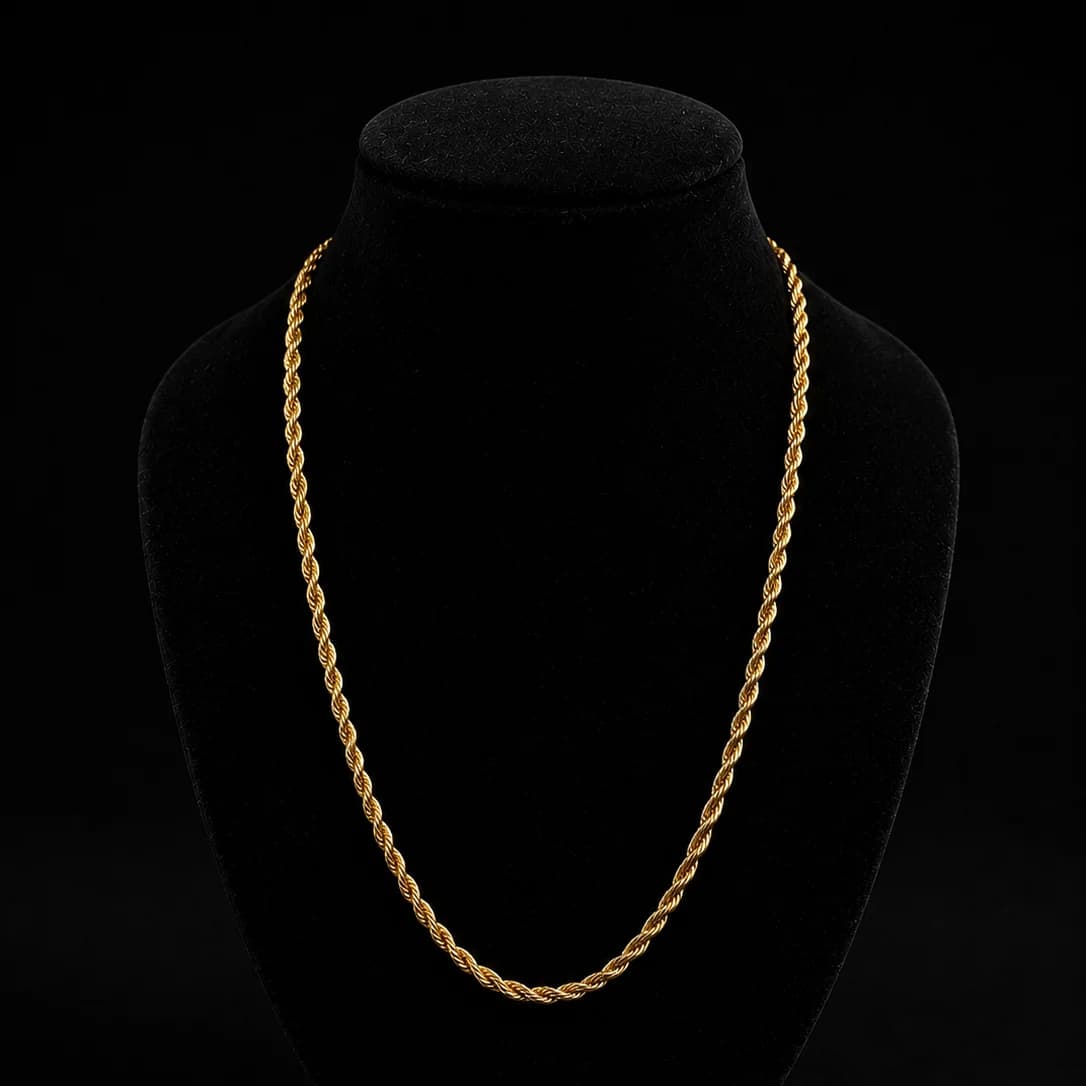
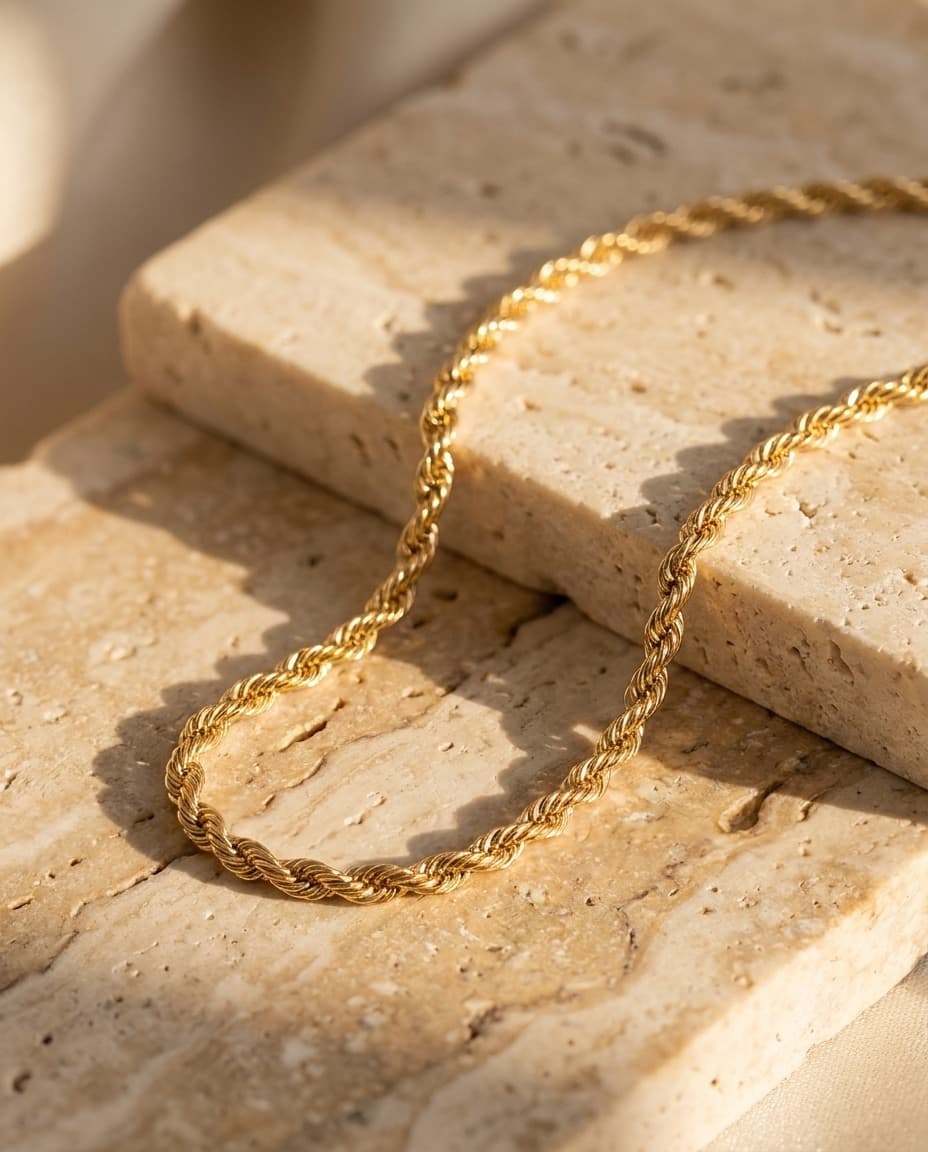
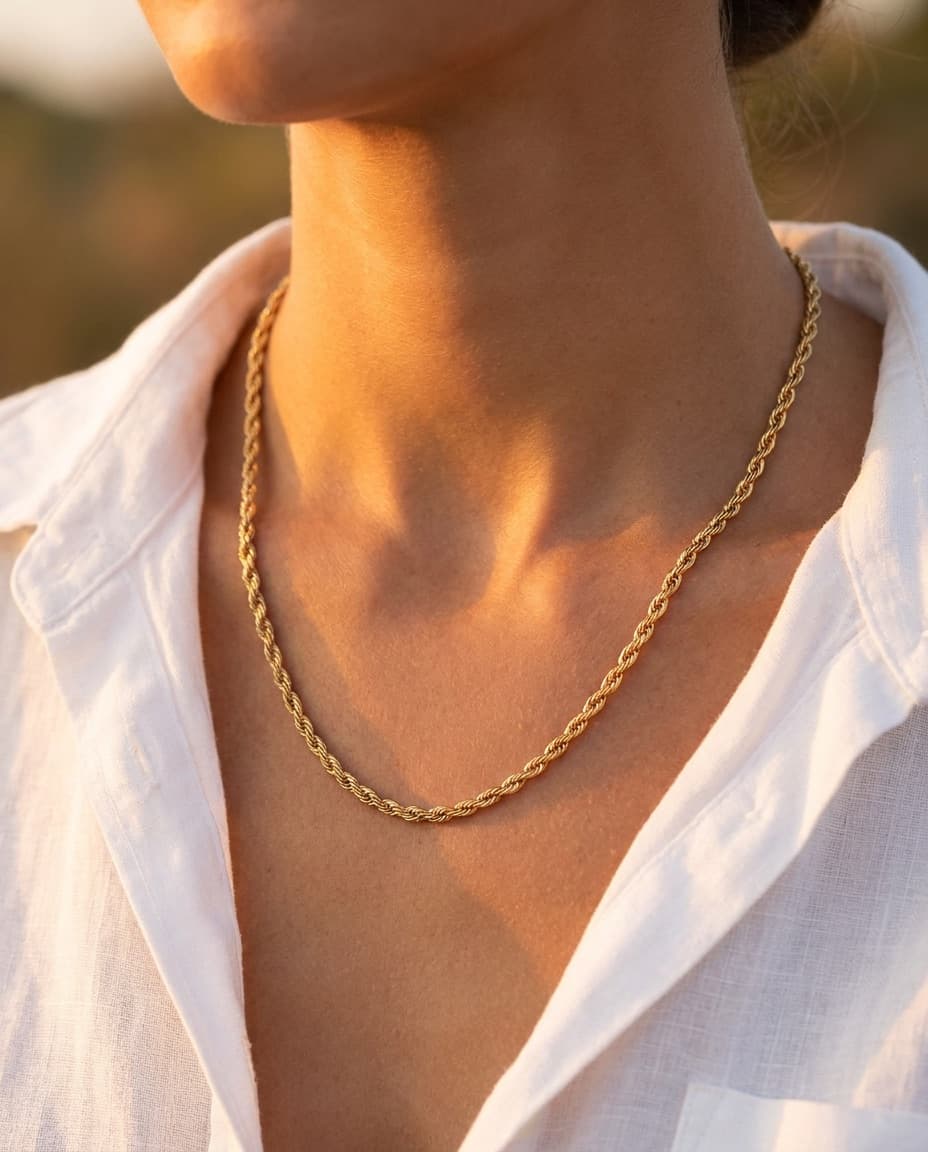

Photos that sell, without a photo studio.
Describe the image
Write the photo you want — a background, the lighting, a setting — and Joyeros creates it.
Your pieces as reference
Attach photos of your piece or pick one from your inventory so the image starts from it.
Several images at once
Choose how many images to generate and the aspect ratio you need for your store or social media.
Shared library
Every image is saved to a library your whole team shares. Enlarge it, download it or use it as a new reference.
Straight to your inventory
Add a generated image to a piece's photos in one click, and it shows up in your online store too.
Credits by plan
Your plan includes credits that renew every billing period. If an image fails to generate, you get the credit back.
From a counter snapshot to a catalog photo.
- 1
Pick a piece from your inventory or attach photos as references.
- 2
Describe the image you want and choose how many to generate.
- 3
Review the results in your library.
- 4
Add the best image to the piece's photos.
Better photos sell more jewelry
With jewelry, the photo is everything: sparkle, detail and context are what make a customer stop. Producing those photos usually takes equipment, lighting and time a jewelry store doesn't always have.
With Joyeros AI images you start from the photos you already have of your pieces to create product and campaign shots, and connect them directly to your inventory and online store.
Frequently asked questions
Can I use photos of my own pieces?
Yes. Attach your photos as references or pick a piece from your inventory that already has a photo.
How do credits work?
Each image uses credits. Your balance resets to your plan's amount on every paid renewal, and unused credits don't roll over.
What happens if an image fails?
If an image can't be generated, the credit is refunded automatically.
Can I use the images in my online store?
Yes. Add the image to the piece's photos and it appears wherever that piece does, including your online store.