AI that knows your jewelry business.
An assistant that answers with your store's real data, and a photo studio that starts from your own pieces. Both live inside Joyeros, right next to your inventory and sales.
Ask your business, in your own words.
Write it the way you'd ask your store manager. The assistant looks up your sales, customers, inventory and purchasing, and answers in a sentence or two, with the chart or card that explains it.
- Open it from any screen without leaving what you're looking at.
- It understands periods like “today”, “this week” or “this year”.
- Your conversations are saved so you can pick them up later.
- It answers in English or Spanish, following your profile's language.
Sample data.
Everyday questions, answered in seconds.
Sales
- How much have we sold this month?
- What are my best-selling pieces?
- Who sold the most this week?
Customers
- Who are my best customers?
- What has Marta Ruiz bought?
- Add Laura Gómez as a customer.
Inventory
- What is running low?
- Do we have any 14k gold rings?
- What is my gold worth at today's price?
Purchasing
- How much did I buy from each supplier this year?
- Who did I buy the most grams from this quarter?
- How many orders did I place with each supplier this month?
Helpful with your data, careful with your business.
Figures from your own reports
It only quotes numbers it gets from your data, through the same queries your reports use. When it can't answer something, it says so.
Respects each role's permissions
Everyone can only ask about what their role lets them see. If a sales associate can't see the store's sales, the assistant won't show them either.
You approve every change
It can add a customer, update their contact details or correct a stock count, but every change waits for you to tap “Approve”.
Money stays at the counter
It doesn't ring up sales, issue refunds, change prices or delete anything. Everything that moves money happens at the point of sale.
Saved conversations
Pick a conversation back up whenever you like, rename it or delete it for good.
Always at hand
It opens as a panel over the screen you're on, so you can compare its answer with what's already in front of you.
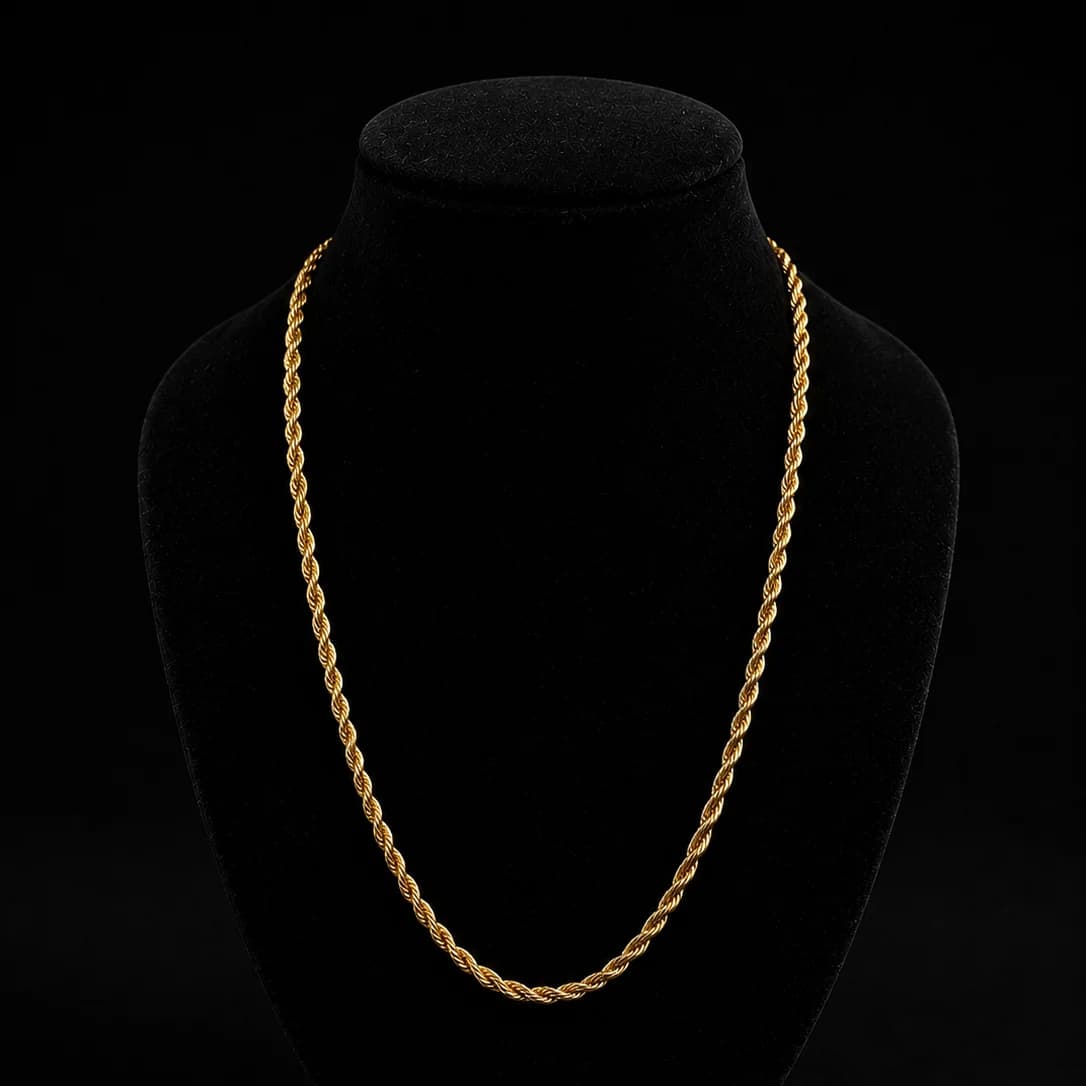
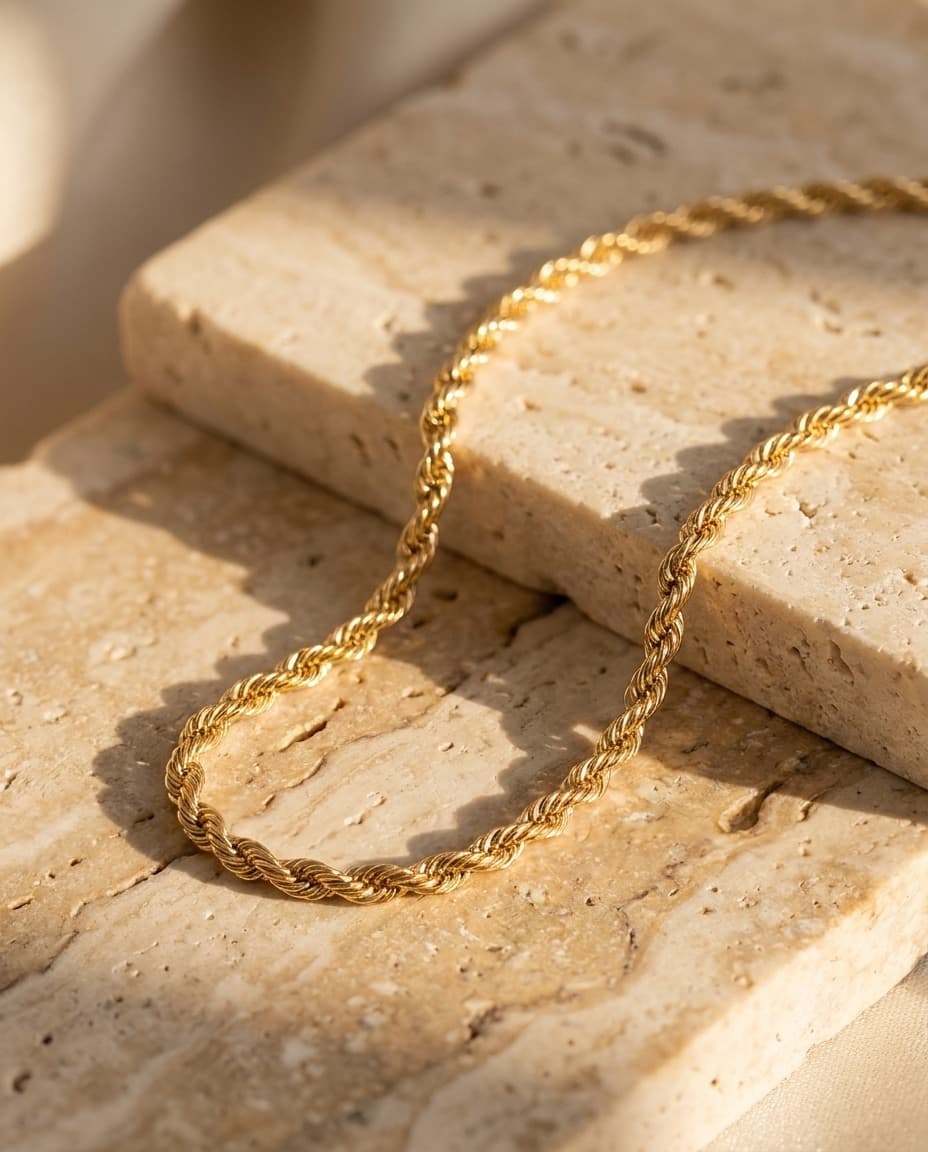
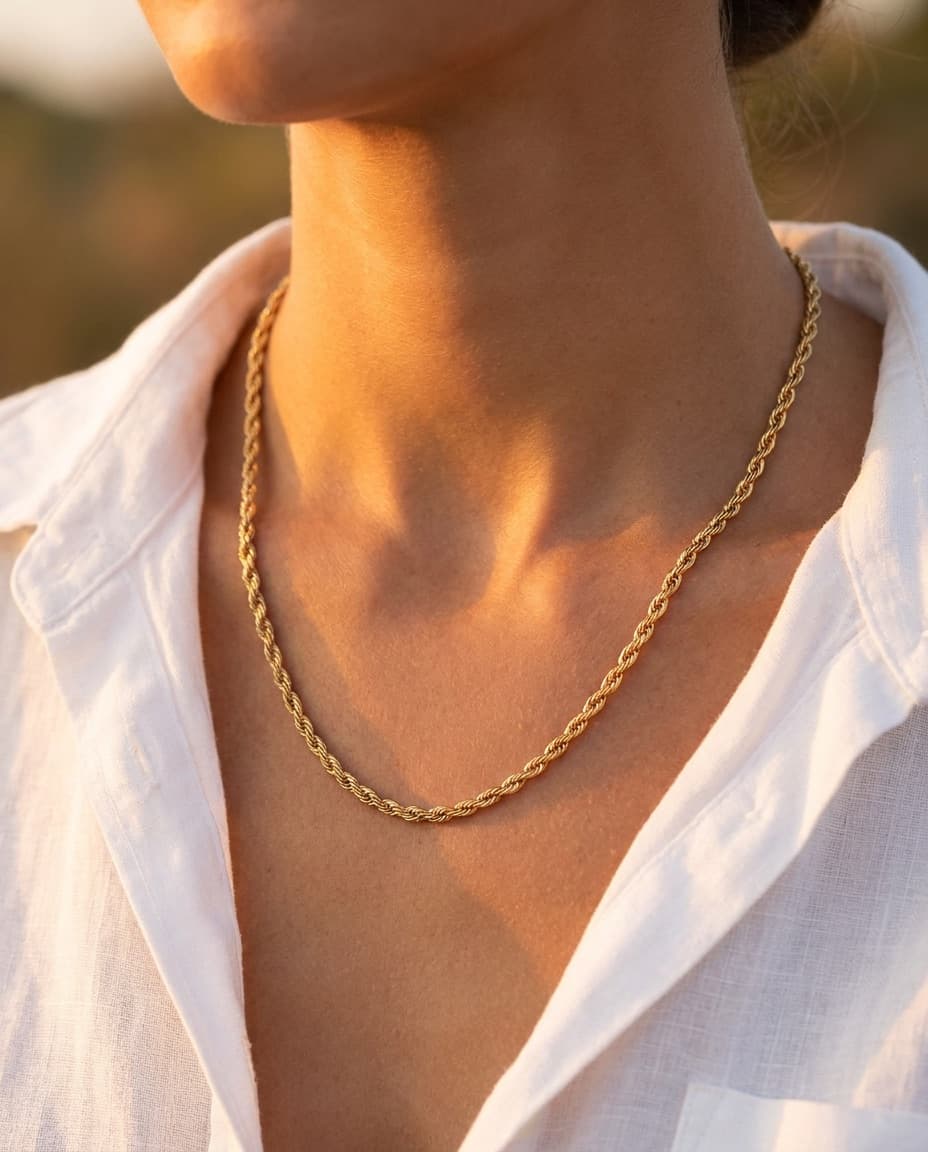

Catalog photos from your own pieces.
Take the photo you already have of a piece, describe the scene you want, and Joyeros creates product and campaign photos. Add the best ones to the piece and your online store in one click.
- 1Pick a piece from your inventory or attach photos as references.
- 2Describe the image you want and choose how many to generate.
- 3Review the results in your library.
- 4Add the best image to the piece's photos.
- AI assistant
- FreeProMax
- AI product photosImage credits per plan
- Free10Pro150Max300
Paid plans refill their credits every period
AI FAQ
What is the Joyeros AI assistant?
It's a chat inside the app that answers questions about your jewelry business: sales, customers, inventory and purchasing. It looks up your data and replies in a sentence or two, with charts and cards alongside.
Where does the assistant get its numbers?
From your own data, through the same queries the Joyeros reports use, so a figure from the assistant matches the one in your reports. When it has no way to answer something, it tells you instead of making it up.
Can the assistant change my data?
Only three things: add a customer, update their contact details and correct a piece's stock count. Every change asks for your approval before it happens. It doesn't ring up sales, issue refunds, change prices or delete anything.
Can my staff use the assistant?
Yes, and each person only sees what their role allows. If a role has no access to sales or customers, the assistant won't answer them about it.
What can I do with AI product photos?
Create product and campaign photos of your pieces. Start from photos of the piece or a piece in your inventory, describe the scene and choose how many images to create and at what aspect ratio. Add the best ones to the piece and they show up in your online store.
How do image credits work?
Every plan includes image credits, and paid plans refill them every period. Each image uses one credit, and if an image can't be created, you get the credit back.
Which plans include AI?
All of them, even the free one: every plan includes the AI assistant and AI product photos. What changes is how many image credits each one comes with: 10 on Free, 150 on Pro, and 300 on Max. Compare everything each plan includes on the pricing page.
Start organizing your jewelry store today.
Create your free account and add your first pieces in minutes. When you need more capacity or tools for your team, choose the plan that fits your business.
Some features depend on your plan. See the pricing table for what each plan includes.